How to Set Up Canon imageClass LBP6030w Printer?
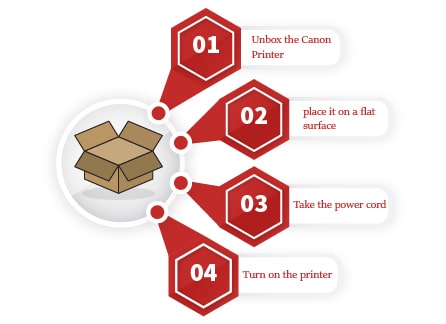
- Unbox the Canon LBP6030w Setup.
- Check for the company seal. If no seal is present, return it to the manufacturer.
- Remove the packing materials and place it on a flat surface.
- Take the power cord and connect one end with the printer and then another with the wall socket.
- Turn on the printer.
- Insert some papers in the input tray.
- Install the driver and select the document.
- Take a test print.