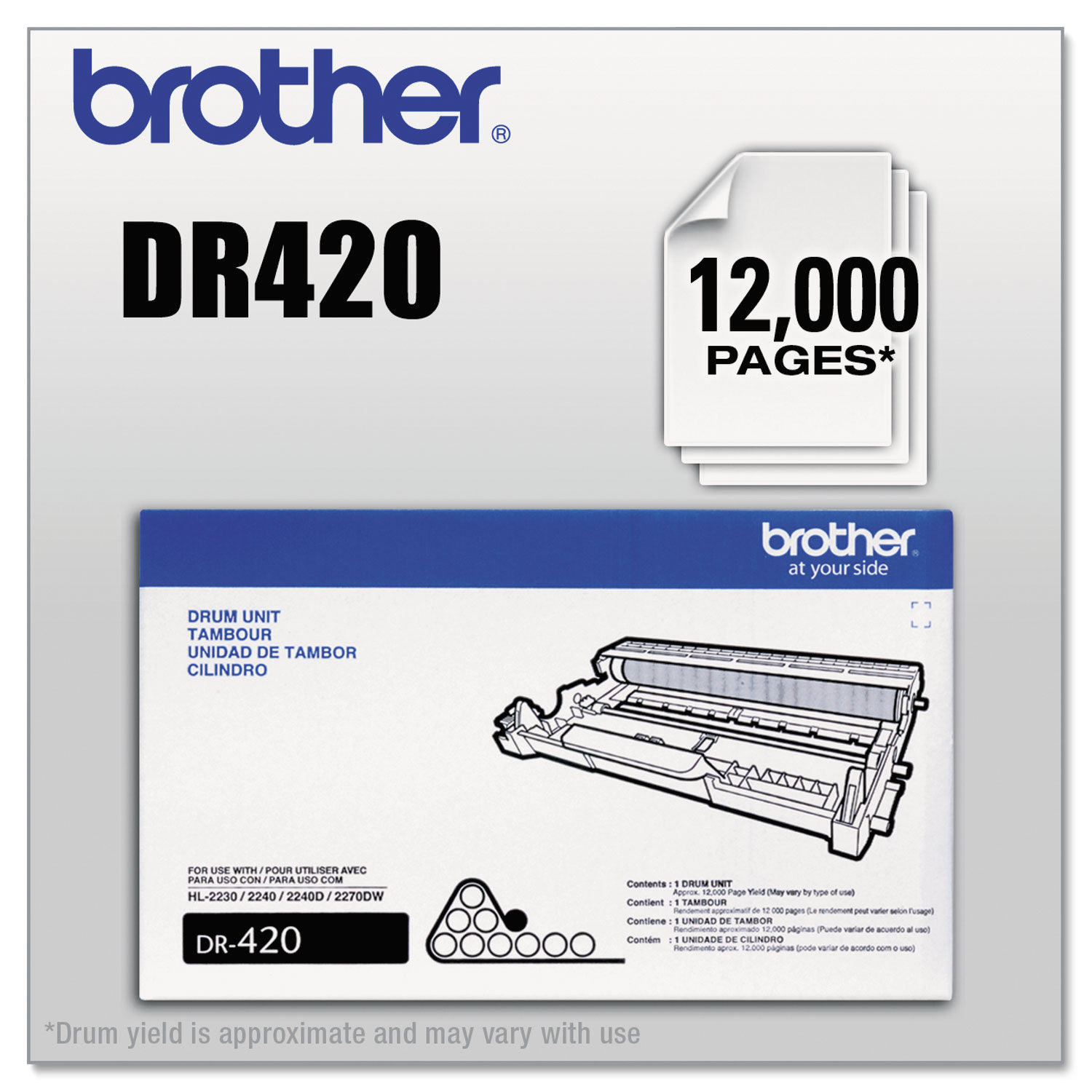
How To Manual Reset Brother Laser Printer Drum Unit DR420
RESET DR420 FOR BROTHER HL PRINTER MODELS
- Turn on the printer and replace the drum. Keep the front door open.
- Press and hold the Go button for 4 seconds or until all four LEDs light up.
- Release the Go button and close the front door.
- If the drum light is off, the drum unit is reset.
RESET DR420 FOR BROTHER DCP PRINTER MODELS + HL-2280DW
- Turn on the printer and replace the drum. Keep the front door open.
- Press the Clear button.
- Press the Arrow Up button.
- When the screen says Accepted, close the front door.
- The drum unit is reset.
RESET DR420 FOR BROTHER MFC PRINTER MODELS + INTELLIFAX
- Turn on the printer and replace the drum. Keep the front door open.
- Press the Clear button.
- Press the 1.
- When the screen says Accepted, close the front door.
- The drum unit is reset.
BUYING A BROTHER PRINTER DRUM UNIT
Replacing the drum unit is a normal part of owning a laser printer. When swapping it out doesn't immediately fix your printer, it can be frustrating.
But, now that you know how to do a manual reset, you won't be alarmed by the Replace Drum message.
Keep in mind that Brother drum replacement reset printer drums don't last forever. If you need to replace your laser printer drum, be sure to check out our Brother toner cartridges for reliable and affordable options.
Replace Drum! The printer error message Brother drum reset no one likes to see. It's almost guaranteed to add a headache to your day.
This error message Brother drum DR420 is the final proof that you need to change your laser printer drum. Chances are, you've already been seeing lines or black spots on your print jobs.
Fast-forward and you've replaced the printer drum unit. But, you are still getting the Replace Drum error message on your Brother printer.
What now?
Luckily, you can resolve this problem with a manual reset. Keep reading to learn how to reset your printer after you've installed the Brother drum unit DR420.
WHAT IS THE DRUM ON A PRINTER CARTRIDGE?
The drum puts toner (powdered pigment) on paper. Inside the drum unit is a roller called the photoreceptor drum. This roller is charged with static electricity and uses heat and pressure to fuse the toner to the paper.
The printer drum dr420 unit is an essential part of your machine's function. So when it goes bad, your printer won't, well...print. It's like riding a bicycle with a flat tire.
After you've gone through 3 or 4 toner cartridge replacements, the reset drum on brother printer drum unit will usually need to be replaced. This is normal wear and tear for laser printers. In most Brother printers, the drum is attached to the toner cartridges.
HOW TO MANUAL RESET THE BROTHER DR420 LASER PRINTER DRUM
If you've replaced the laser printer drum, you might still see the Replace Drum message. Don't worry, there's nothing wrong with the new printer drum unit.
Printers use page counters to estimate when the drum will need to be replaced again. When you replace the drum, the page counter (or the drum life) must be reset manually. Here's how to reset the drum life display.
- Brother MFC-7460DN
- Brother MFC-7860DW
- Brother HL-2220
- Brother HL-2230
- Brother HL-2240
- Brother HL-2240D
- Brother HL-2270DW
- Brother HL-2280DW
- Brother DCP-7060D
- Brother DCP-7065DN
- Brother HL-2270DW
- Brother DCP-7060D
- Brother HL-2130
- Brother HL-2132
- Brother HL-2242D
- Brother HL-2250DN
- Brother Intellifax 2840
- Brother Intellifax 2940
- Brother MFC-7240
- Brother MFC-7360N
- Brother HL-2275DW
- Brother HL-2280DW
- Brother MFC-7365DN