How to Reset the Brother DR250 Laser Imaging Drum Unit
For HL printers:
- Change the drum, keep the front door open while the printer is on;
- Press and hold the "GO" button until all lights are lit;
- Once all light are lit, release the "GO" button and close the front door;
- Make sure the drum light is off;
- The counter is reset.
For MFC, DCP multiple function machines:
- Open the front door where you put the cartridge in, push the "clear" or "option" button;
- It will prompt you: "Change drum, 1-Yes, 2-No";
- Press 1, accept, the machine will reset the drum life.
- Close the front door, done!
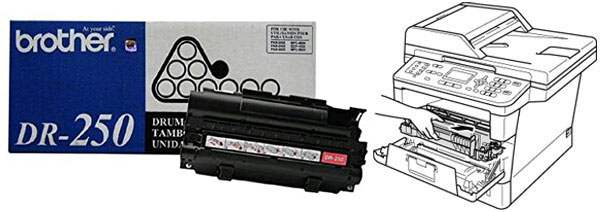
Brother DR250